DLUXE AVE.
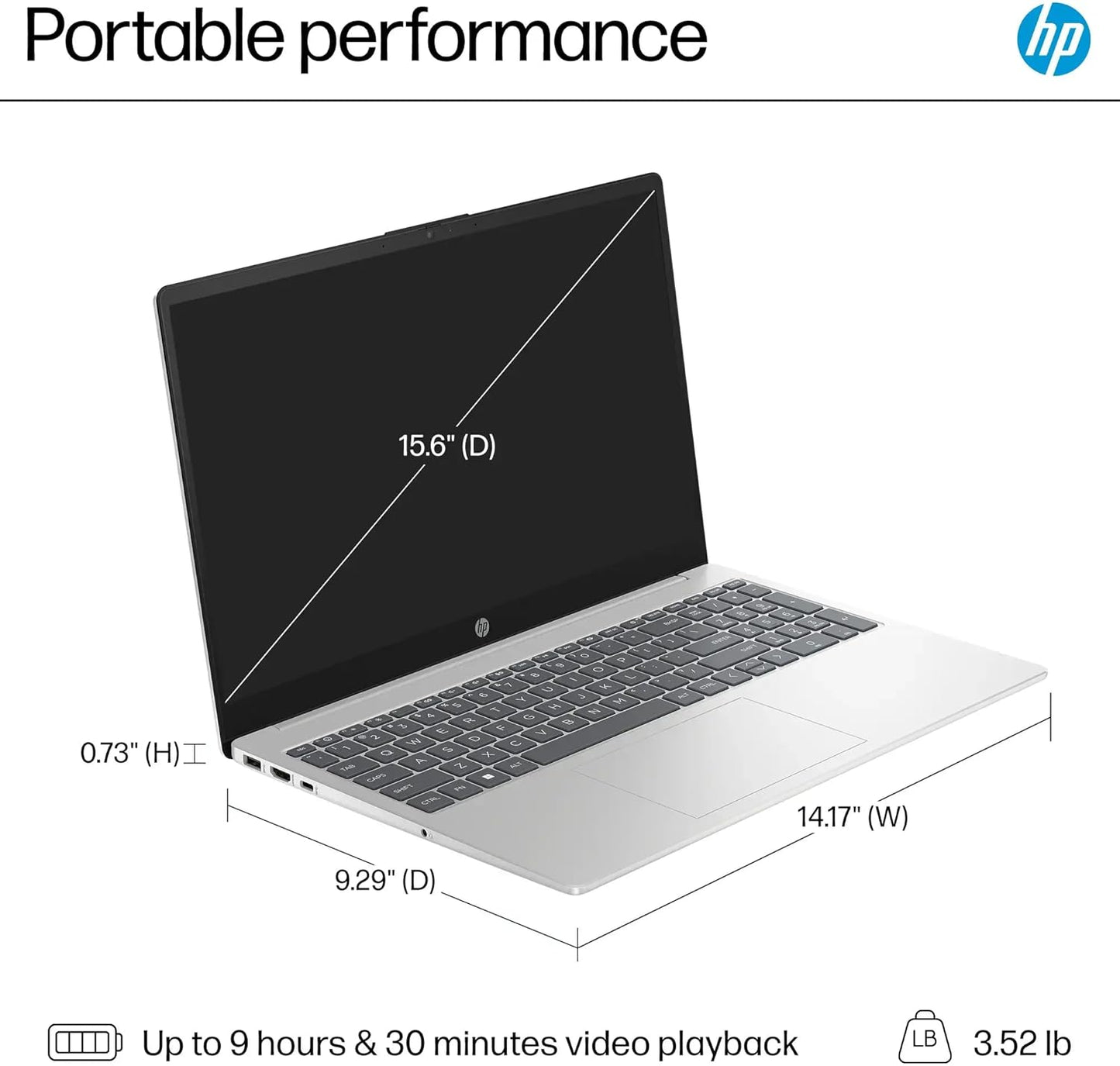
Dluxe Ave. HP 14" Latest Stream Laptop Ultral Light 16GB RAM 320GB Storage (64GB eMMC+256GB Micro SD)
Dluxe Ave. HP 14" Latest Stream Laptop Ultral Light 16GB RAM 320GB Storage (64GB eMMC+256GB Micro SD)
Couldn't load pickup availability
Switching out of S mode in Windows 11. Windows 11 in S mode is designed for security and performance exclusively running apps from the Microsoft Store. If you want to install an app that isn't available in the Microsoft Store you'll need to switch out of S mode
On your PC running Windows 11 in S mode open Settings > System > Activation.
In the Switch to Windows 11 Pro section select Go to the Store. (If you also see an "Upgrade your edition of Windows" section be careful not to click the "Go to the Store" link that appears there.)
On the Switch out of S mode (or similar) page that appears in the Microsoft Store select the Get button. After you see a confirmation message on the page you'll be able to install apps from outside of the Microsoft Store.
HP 14 inch Laptop for Business and Student:
Sleek design: Easily take this thin and light PC from room to room or on the road.
Dual array microphones: With two microphones and advanced noise reduction software, you'll always sound crystal clear when you video chat or record.
Display: 14.0-inch diagonal HD (1366 x 768) micro-edge
Bright View Processor: Intel Celeron N4120 4 Cores & 4
Threads Memory: Upgraded to 16GB DDR4 RAM Storage: 64GB eMMC + 256GB Micro SD Card Graphics: Intel UHD Graphics 600
Operating System: Windows 11 Home in S mode
HP Fast Charge: Go from 0 to 50% charge in approximately 45 minutes Battery Life
Up to 11 hours and 30 minutes (video playback); Up to 9 hours (wireless streaming) Webcam
HP True Vision 720p HD camera with integrated dual array digital microphones Connectivity
802.11a/b/g/n/ac (2x2)(19a) Wi-Fi and Bluetooth combo Dimensions: 12.76 x 8.86 x 0.71 inches Weight: 3.24 lbs
1 Year Office 365
Share